
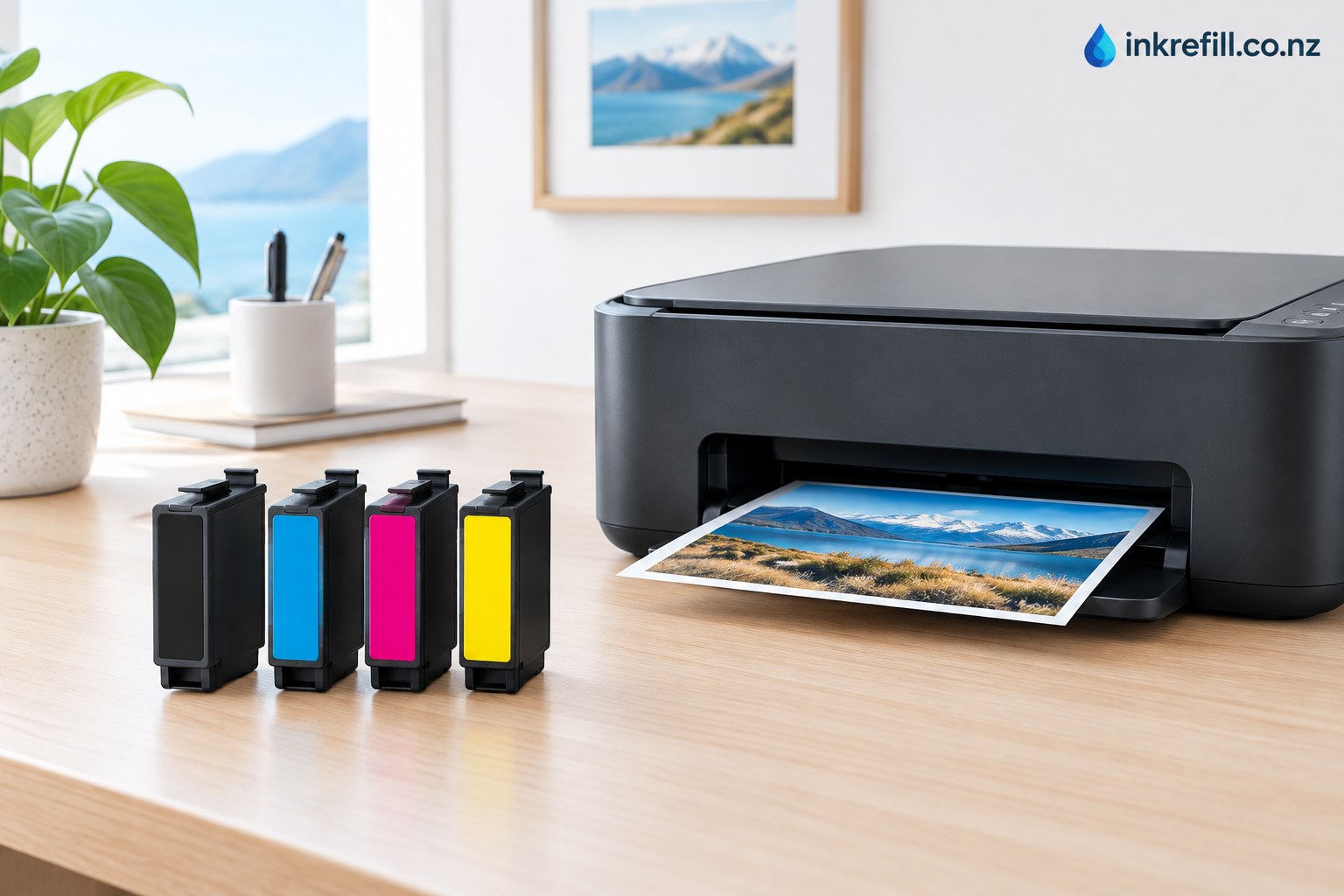
Choosing the correct Epson 212XL ink cartridges can make everyday home, study and small-office printing simpler and more economical. The 212XL family is designed for selected Epson Expression Home and WorkForce printers, including the XP-3100, XP-3105, XP-4100, WF-2830 and WF-2850. Epson describes the XL cartridges as a higher-capacity option that can produce approximately 2.5 times the prints of standard 212 cartridges, although actual results vary with documents, coverage and printing conditions.
For New Zealand customers, the most important step is not simply choosing an Epson ink cartridge that looks similar. The cartridge number and printer model should match before ordering. This guide explains Epson 212XL compatibility, the difference between standard and XL cartridges, colour options, printing considerations and how to choose the right replacement.
What Is Epson 212XL Ink?
Epson 212XL is the high-capacity version of the Epson 212 cartridge family. It is available in black, cyan, magenta and yellow, allowing printers with individual colour cartridges to replace only the colour that has run out. This can be useful for households, students and small offices that print a mixture of documents, graphics and occasional photos.
XL does not mean that the cartridge fits every Epson printer. It identifies a higher-capacity cartridge within a particular cartridge family. Always check your printer model and the cartridge number shown in the printer documentation before purchasing.
Epson 212XL Compatible Printers
Epson’s current New Zealand information lists 212XL for the Expression Home XP-3100, Expression Home XP-3105, Expression Home XP-4100, WorkForce WF-2830 and WorkForce WF-2850. Earlier Epson consumables documentation also lists the 212/212XL family with the XP-3100/XP-3105/XP-4100 and WorkForce WF-2830/WF-2850 range.
If you own one of these printers, checking the exact cartridge family before ordering helps prevent compatibility problems. Printer models can have very similar names while using completely different cartridge numbers.
Why Choose 212XL Instead of Standard 212?
The main reason to choose Epson 212XL is capacity. Epson states that its 212XL cartridges provide approximately 2.5 times more prints than the standard 212 capacity. Epson’s XP-4100 specifications give approximate yields of 500 pages for high-capacity black and 350 pages for composite colour, compared with approximately 150 black and 130 composite colour pages for standard cartridges under ISO testing conditions.
Actual page counts are not guaranteed because printing behaviour varies. A page containing dense graphics or photographs uses considerably more ink than a lightly printed text document. For customers who print regularly, the larger cartridge can reduce how frequently cartridges need to be replaced.
Individual Colours Make Replacement Easier
One advantage of the 212XL system is the individual-colour format. Instead of replacing a combined colour cartridge when one colour becomes empty, users can replace the required black, cyan, magenta or yellow cartridge separately.
Black is commonly used for letters, forms and general documents, while cyan, magenta and yellow contribute to colour graphics and photographs. Keeping a spare of the colours you use most frequently can help reduce interruptions during busy printing periods.
Compatible Epson 212XL Ink in New Zealand
When looking for compatible Epson 212XL ink in New Zealand, compare the cartridge number, printer compatibility, colour and product specifications rather than choosing only by appearance. Inkrefill’s Epson range is organised so customers can browse Epson cartridges and compare relevant options.
You can start with the Epson ink cartridge category, then compare related products such as Epson 140 compatible cartridges, Epson 312XL compatible ink, Epson 410XL ink and Epson 73N/T731 compatible ink. These products belong to different Epson cartridge families, so they should not be substituted for 212XL unless your printer specifically requires them.
How to Check Your Epson Printer Before Ordering
- Find the exact Epson printer model, usually printed on the front or top of the machine.
- Check the existing cartridge or your printer manual for the cartridge number.
- Confirm that the required family is 212 or 212XL.
- Check whether you need black, cyan, magenta, yellow or a complete set.
- Review the product’s compatible-printer list before placing the order.
If you are comparing Epson cartridge families, you can also explore the Inkrefill printer ink range and related Epson products such as Epson 288XL compatible ink and Epson 312XL options, where available. These links are useful for comparison, but the exact cartridge number must still match your printer.
Common Epson 212XL Questions
Is Epson 212XL the same as Epson 212?
They are part of the same cartridge family, but 212XL is the higher-capacity version. It is not simply interchangeable with every Epson printer that accepts another cartridge family.
How many pages does Epson 212XL print?
Page yield depends on colour, printer settings and document coverage. Epson’s XP-4100 specifications quote approximately 500 pages for high-capacity black and 350 pages for composite colour under ISO testing conditions.
Which printers use Epson 212XL?
Current Epson New Zealand information lists the Expression Home XP-3100, XP-3105 and XP-4100, plus WorkForce WF-2830 and WF-2850. Always confirm the exact model before purchasing.
Can I buy only one 212XL colour?
Yes, the 212XL family is available as individual black, cyan, magenta and yellow cartridges. This lets you replace the colour that has been depleted instead of automatically replacing every cartridge.
Final Buying Checklist
For the best result, match three things before ordering: printer model, cartridge family and colour. If all three match, you are much less likely to order an unsuitable cartridge. For more Epson choices, visit the Epson category on Inkrefill and browse the available compatible Epson ink range.
Whether you print school assignments, invoices, home documents or occasional colour projects, Epson 212XL is a practical high-capacity cartridge family for compatible printers. Choosing the correct cartridge number first makes the buying process easier and helps keep your printer ready for the next job.