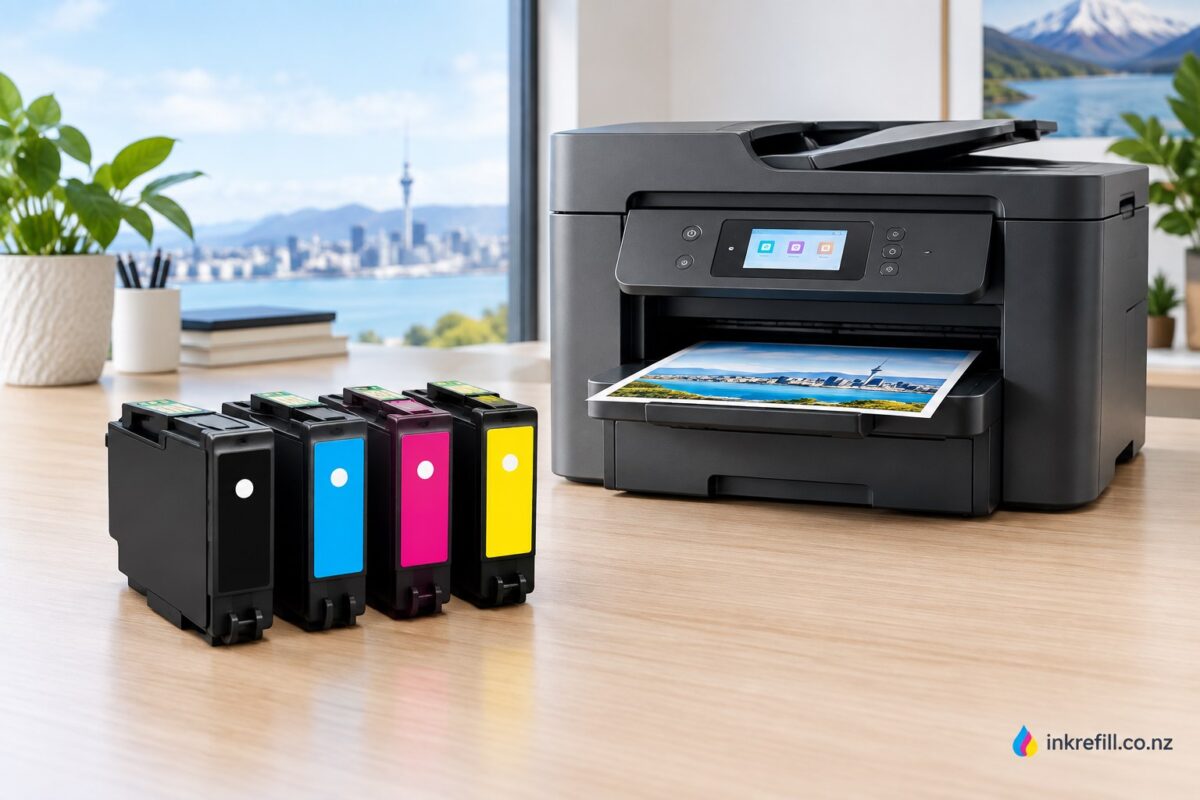
Epson 702XL Ink Cartridges NZ: Complete Compatibility, Yield & Buying Guide
If you use an Epson WorkForce Pro printer and need a dependable replacement, Epson 702XL ink cartridges are the high-capacity option designed for longer print runs. In New Zealand, the 702XL range is associated with the Epson WorkForce Pro WF-3720 and WF-3725. Epson states that 702XL cartridges provide approximately 2.5 times more prints per cartridge than standard 702 capacity. citeturn0search0turn0search1
This guide explains Epson 702XL compatibility, colours, page yield, cartridge choices and practical buying considerations so you can identify the correct ink before ordering.
Epson 702XL Compatible Printers
The official Epson NZ product listing identifies these compatible printers:
- Epson WorkForce Pro WF-3720
- Epson WorkForce Pro WF-3725
Epson’s consumables documentation also lists the WF-3730 with the 702/702XL family, so buyers should check the exact printer model and regional cartridge specification before purchasing. citeturn0search13
What Is Epson 702XL Ink?
702XL is the high-capacity version of the standard Epson 702 cartridge family. Epson describes its DURABrite Ultra ink as a four-colour pigment-based ink system designed for sharp detail and durable prints on plain and specialty paper. The ink is designed to dry quickly and resist water, smudging and fading. citeturn0search0turn0search1
Epson 702XL Colours
The 702XL range is available as individual cartridges:
- 702XL Black
- 702XL Cyan
- 702XL Magenta
- 702XL Yellow
This individual-colour design means you can replace the colour that has run out rather than automatically replacing every cartridge. Epson also lists a 702XL black with standard-colour value pack. citeturn0search0turn0search6
Epson 702XL Page Yield
Yield depends on colour and printing conditions. The 702XL black cartridge is commonly specified at approximately 1,100 pages, while Epson and NZ retail specifications list approximately 950 pages for 702XL cyan and magenta. Actual yield varies with document type, coverage, printer settings and other factors. citeturn0search3turn0search5turn0search7
The important advantage is capacity: Epson states that 702XL delivers approximately 2.5 times the prints of standard 702 capacity. That makes the XL format particularly useful for offices, home businesses and regular document printing. citeturn0search0
702XL vs 702 Standard
Both cartridge families are associated with the WF-3720 and WF-3725, but 702XL is the high-capacity choice. If you print frequently, the higher-capacity cartridge can reduce how often you need to replace ink. If you print only occasionally, standard capacity may suit your usage pattern better. citeturn0search2turn0search6
How to Choose the Right Epson 702XL Cartridge
- Check the exact Epson printer model.
- Confirm that your printer uses the 702/702XL cartridge family.
- Choose the required colour: black, cyan, magenta or yellow.
- Choose XL capacity if you want longer replacement intervals.
- Check whether you need a single cartridge or a complete set.
Shop Epson Ink in New Zealand
For more help finding the correct cartridge, browse Epson ink cartridges, explore Epson cartridge categories, or visit the Inkrefill shop. You can also compare printer ink cartridges, browse compatible ink cartridges, learn about printer ink FAQs, review delivery information, check the returns policy, or read more Inkformation guides.
Final Check Before Ordering
For Epson 702XL, the key compatibility point is the printer model. Epson NZ specifically identifies the WorkForce Pro WF-3720 and WF-3725 for the 702XL range, while Epson’s consumables guide also references WF-3730. Always match the cartridge number to the exact printer before purchase. citeturn0search0turn0search13