
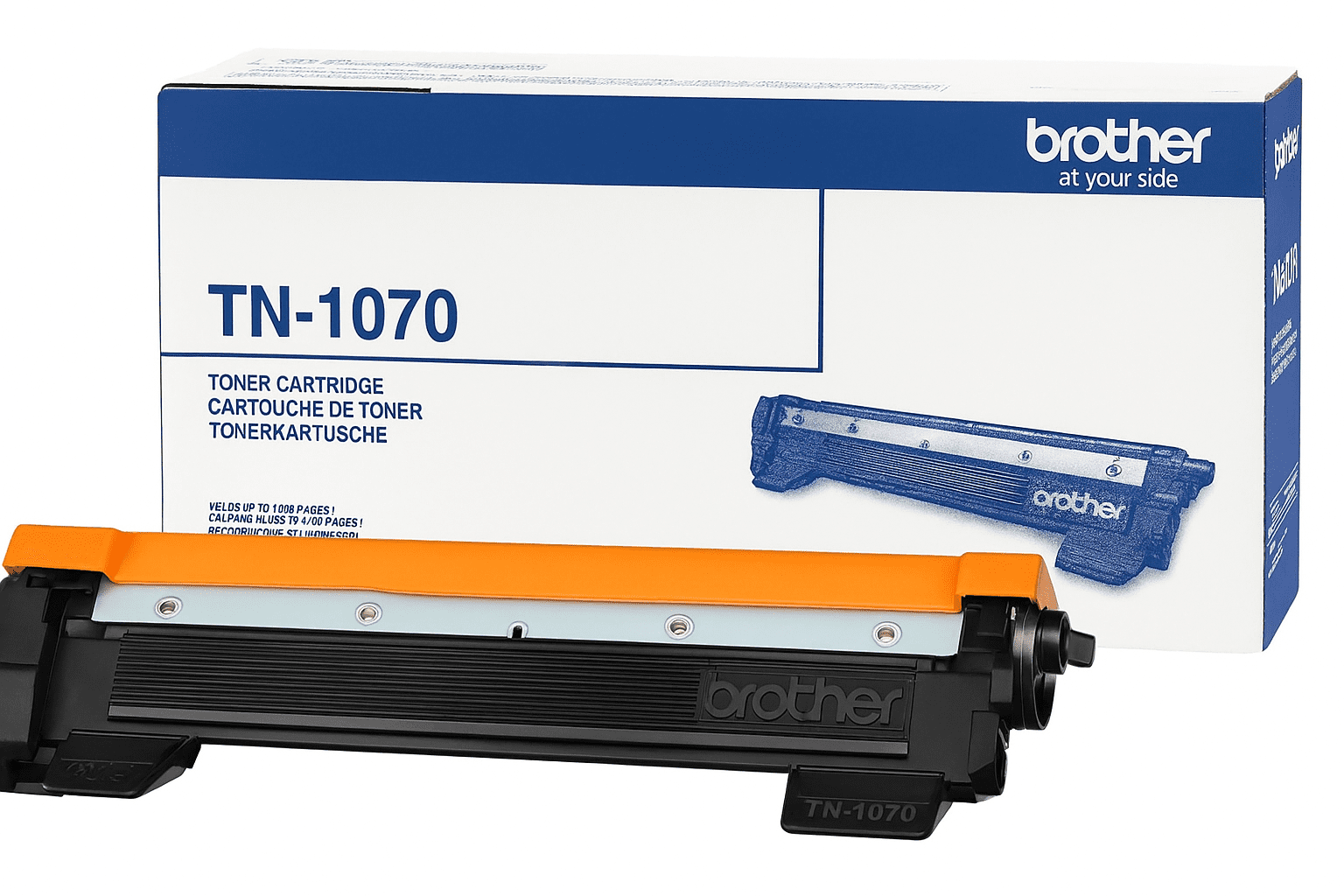
Why Brother TN-1070 Toner Is Popular for Home and Office Printing
Brother TN-1070 is a commonly searched toner family for selected Brother monochrome laser printers and multifunction machines. Customers looking for Brother TN-1070 toner in New Zealand should start with the exact printer model and cartridge number, because toner compatibility is model-specific. This guide explains what TN-1070 toner is, why the cartridge family is useful for everyday black-and-white printing, how to check compatibility and where to find related Brother printing supplies at Inkrefill NZ.
What is Brother TN-1070 toner?
TN-1070 is a Brother toner cartridge family used by selected Brother laser printers and multifunction devices. Toner is different from liquid printer ink: laser printers use toner powder and a laser printing process to produce text and graphics. The correct toner cartridge must match the printer’s supported cartridge family. A similar-looking cartridge number should not be treated as automatically compatible.
Why TN-1070 is useful for everyday printing
Brother monochrome laser printers are often used for documents where clear black text, reliable repeat printing and efficient page production are important. Typical uses include invoices, school documents, forms, reports, letters, labels and office records. A compatible TN-1070 replacement can be useful when the existing toner cartridge is empty and the printer model is confirmed as supported.
Black-and-white document printing
TN-1070 is associated with monochrome Brother laser printing, making it relevant to customers who primarily print black text. For document-heavy workloads, toner-based printing can be convenient because the consumable is designed for laser printer systems rather than inkjet printing.
Checking the printer model
Do not choose TN-1070 solely because a product title contains “Brother”. Confirm the exact printer model first. Different Brother laser printers use different toner families, and some models may use a related but different TN-series cartridge. The printer model is usually shown on the front or rear of the machine, on the original packaging or in the printer’s settings or documentation.
How to check TN-1070 compatibility
- Find the exact Brother printer model.
- Check the toner number on the old cartridge or printer documentation.
- Confirm that TN-1070 is listed for that printer.
- Check whether the printer requires a separate drum unit.
- Confirm the product’s stated compatibility before ordering.
If you are uncertain about a cartridge family, use the Printer Ink & Toner FAQ or browse the main Brother printer ink and toner category.
TN-1070 toner and Brother printer maintenance
Toner replacement and drum replacement are not always the same thing. Some Brother laser printers use a separate drum unit that transfers toner to the page. If the printer displays a drum warning, replacing the toner alone may not resolve the issue. Customers can browse printer drum units when a replacement drum is required.
Compatible Brother toner
Compatible Brother toner is produced by a third-party manufacturer for the printer models specified by the product. It is different from a genuine Brother-branded cartridge. Compatibility should always be checked using the exact cartridge number and printer model. If the printer does not recognise a newly installed compatible cartridge, check the cartridge number, installation, contacts and printer message before assuming that the cartridge is defective.
Brother toner for home, school and business
TN-series Brother toner cartridges can be relevant to customers printing at home, for school work or in small and larger offices. The right cartridge can help avoid unnecessary printer downtime, particularly when the printer is used for invoices, administrative documents and other regular black-and-white printing. Before ordering, consider how frequently the printer is used and whether a standard or high-yield cartridge is supported by the specific printer model.
Related Brother ink cartridges
Not every Brother printer uses toner. Brother inkjet printers use liquid ink cartridges and may use separate black, cyan, magenta and yellow cartridges. Customers who need ink should visit Brother Ink Cartridges. Customers who need laser toner can browse Brother Toner Cartridges.
Brother label tape and other supplies
Inkrefill NZ also supplies Brother P-Touch label tapes for selected label makers. For customers using other brands, explore HP ink and toner, Canon ink and toner, Epson ink, Fuji Xerox toner and Samsung toner. For refill bottles, visit Refillable Printer Ink.
Ordering Brother TN-1070 toner in New Zealand
Before placing an order, confirm the printer model, cartridge number, delivery address and product compatibility. Customers can read the Delivery Information and Shipping Policy for delivery guidance. If you later need to return a product, read the Returns Policy before sending anything back.
Payment and customer information
For bank transfer orders, see Online Bank Payment. For invoicing and payment conditions, see Billing Terms & Conditions. To learn about Inkrefill NZ and its printer consumables, visit About Inkrefill NZ. Personal information is covered by our Privacy Policy.
Brother TN-1070 buying checklist
- Confirm the exact Brother printer model.
- Check the TN-1070 cartridge number.
- Confirm black toner is required.
- Check whether a separate drum unit is used.
- Compare the product’s supported printer list.
- Review delivery and returns before ordering.
- Contact Inkrefill NZ if compatibility is unclear.
For more Brother printer consumables, return to the Brother category or visit the Inkrefill NZ homepage to browse printer ink, toner cartridges, drum units, refill ink and label tapes across New Zealand.