
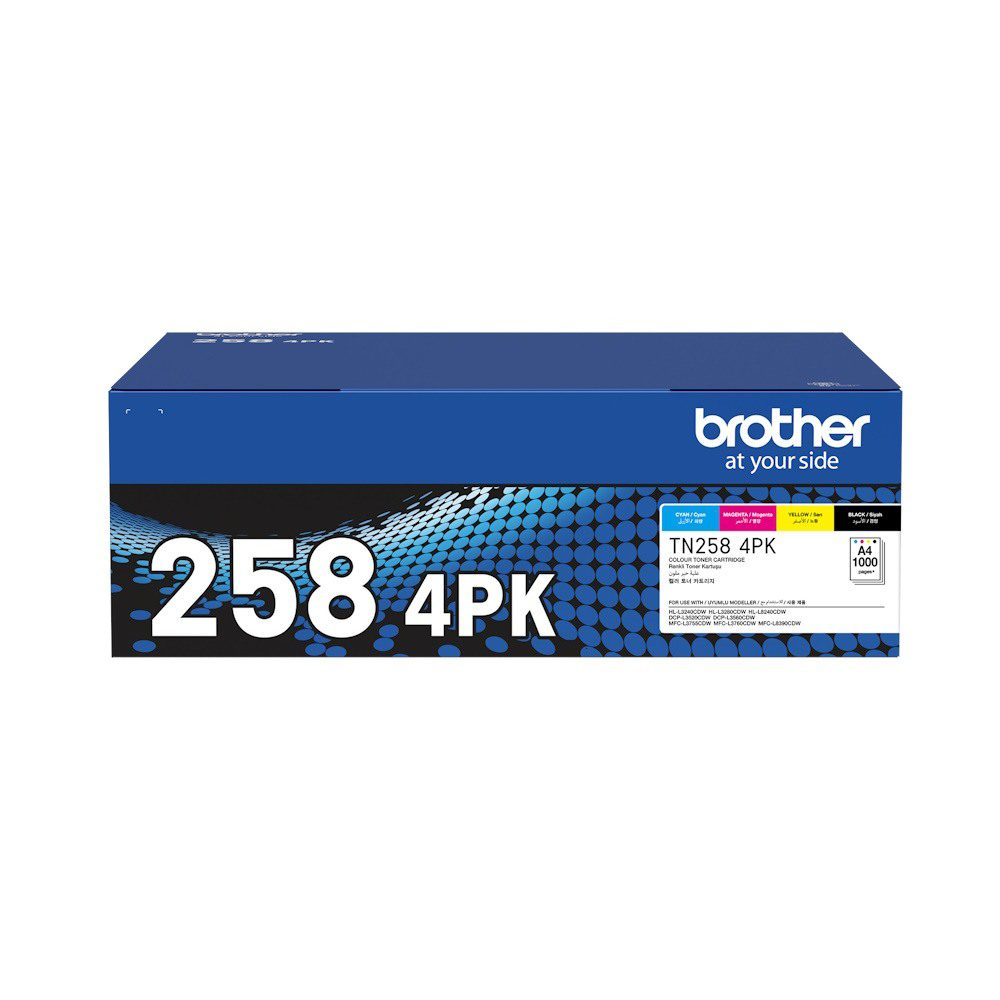
Trustworthy Brother TN258 4-Colour Toner Value Pack
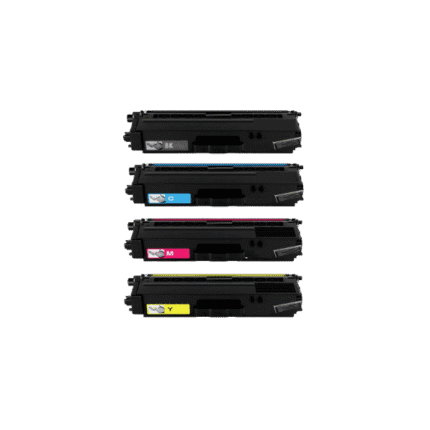
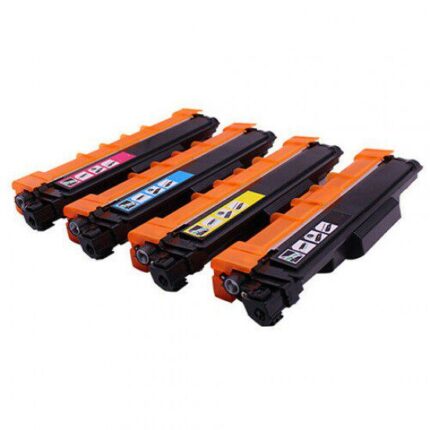
This Brother TN258 toner value pack provides black, cyan, magenta and yellow toner cartridges for supported Brother colour laser printers. A complete four-colour pack can simplify replacement when several toner colours are low and is useful for offices that depend on regular colour printing. The product is listed as a Brother TN258 pack, so exact printer and cartridge compatibility should be checked before ordering.
Key Features
- Brother TN258 toner family
- Four colours: black, cyan, magenta and yellow
- Complete colour toner value pack
- Designed for supported Brother colour laser printers
- Useful for office documents, graphics and presentations
- Convenient coordinated replacement set
- Full compatible printer list below
- NZ online ordering through Inkrefill
Full Compatible Printer Model List
- Brother HL-L8260CDN
- Brother HL-L8360CDW
- Brother MFC-L8690CDW
- Brother MFC-L8900CDW
Understanding the TN258 Family
Colour laser printers use separate black, cyan, magenta and yellow toner cartridges. The TN258 family provides the consumables identified for the supported Brother models above. Black is used heavily for text and documents, while cyan, magenta and yellow combine to create mixed colours for charts, graphics, photographs and presentations.
Checking the exact printer model is important because Brother colour laser printers can use different TN toner families. Do not select a cartridge simply because it is a Brother product or because the printer appears similar. Compare the printer model and TN258 reference before ordering.
Four-Colour Printing Applications
The complete pack is suitable for workplaces producing reports, invoices, presentations, charts, forms, marketing documents and general business correspondence. A coordinated set can also be useful for keeping spare cartridges available so colour printing is not interrupted when one cartridge becomes low.
Actual toner yield depends on page coverage, document type, print density, print settings and printer condition. Pages with large graphics or solid colour normally use more toner than standard text pages. Any published yield should be treated as a reference for planning rather than a guarantee for every user.
Installation Guidance
Follow Brother’s cartridge replacement instructions. Remove the old toner carefully, prepare the replacement as directed and remove protective materials before installation. Match each colour cartridge to the correct position and allow the printer to complete its normal recognition process. Never force a cartridge into place.
If the printer displays a toner warning, verify the TN258 reference, colour position, seating and packaging. Record the exact message before following Brother troubleshooting instructions.
Storage and Stock Management
Keep spare toner sealed in a dry, moderate environment away from excessive heat, moisture and direct sunlight. For business users, record the printer model and toner family in a simple stock list. This can make reordering easier and reduce the chance of selecting a cartridge intended for another Brother colour laser printer.
Helpful Inkrefill NZ Resources
Browse the Inkrefill NZ shop, return to the homepage, explore Brother toner cartridges, read the printer ink and toner FAQ, check delivery information, review the shipping policy, read the returns policy, contact Inkrefill NZ, visit About Inkrefill NZ and review online bank payment.
Frequently Asked Questions
What colours are included?
The pack includes black, cyan, magenta and yellow TN258 toner cartridges.
Which printers are compatible?
The verified list includes Brother HL-L8260CDN, HL-L8360CDW, MFC-L8690CDW and MFC-L8900CDW.
Why check the exact printer?
Brother colour laser models can use different toner families, so model matching is essential.
Is this a four-colour pack?
Yes. It is supplied as a complete black, cyan, magenta and yellow value pack.
Product Summary
The Brother TN258 4-colour toner value pack provides black, cyan, magenta and yellow cartridges for four verified Brother colour laser models. Confirm your exact printer before ordering.






Reviews
There are no reviews yet.