

Methodical Brother TN443 TN441 High-Yield Compatible Toner
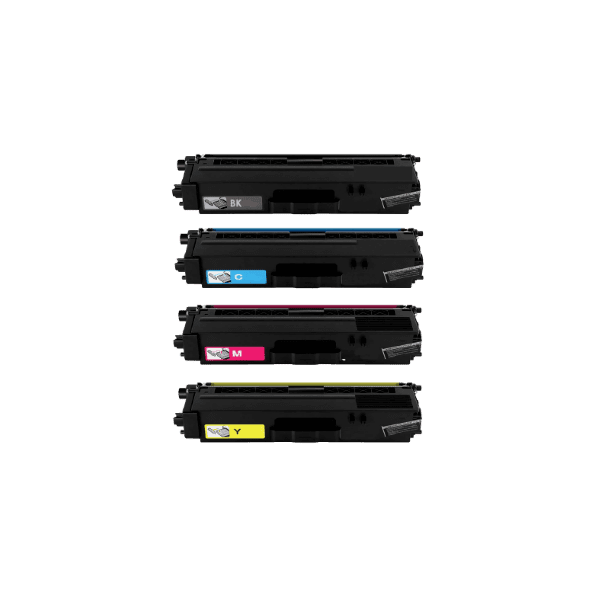
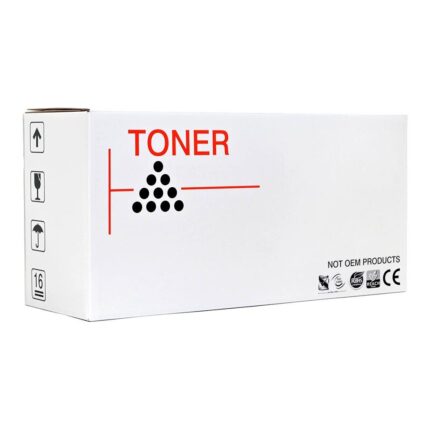
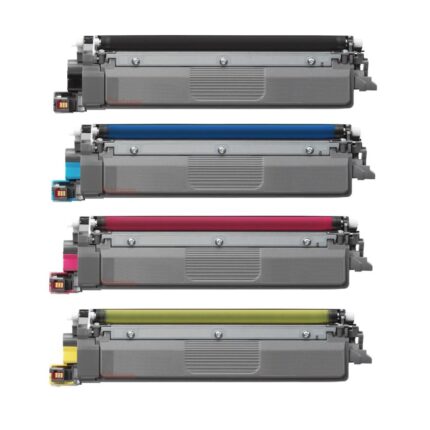
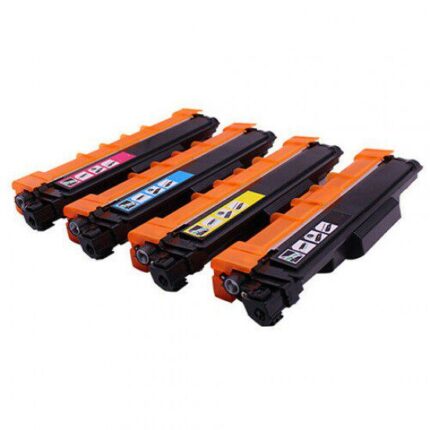
This Brother TN443 TN441 compatible toner range is designed for supported Brother colour laser printers and includes high-yield black and colour options. The product record lists 4,500 pages for black and 4,000 pages for each colour. The cartridge family covers TN441 and TN443 references and is suitable for users who need a practical replacement for regular business printing.
Key Features
- Brother TN443 TN441 high-yield compatible toner.
- Black and colour options available.
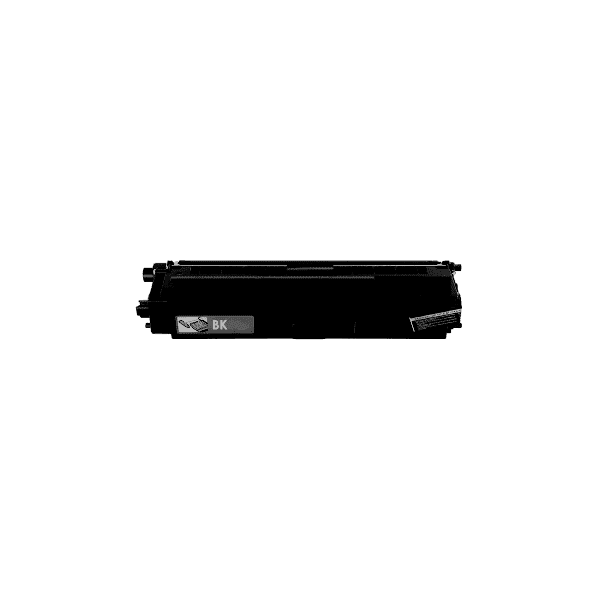
- Listed black yield: 4,500 pages.
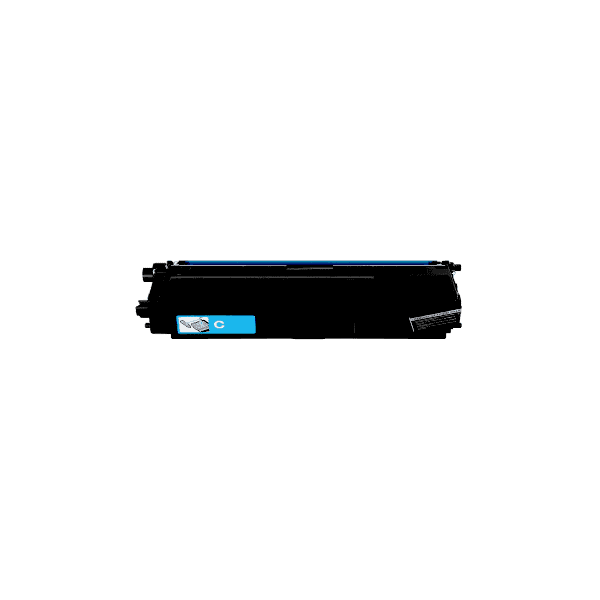
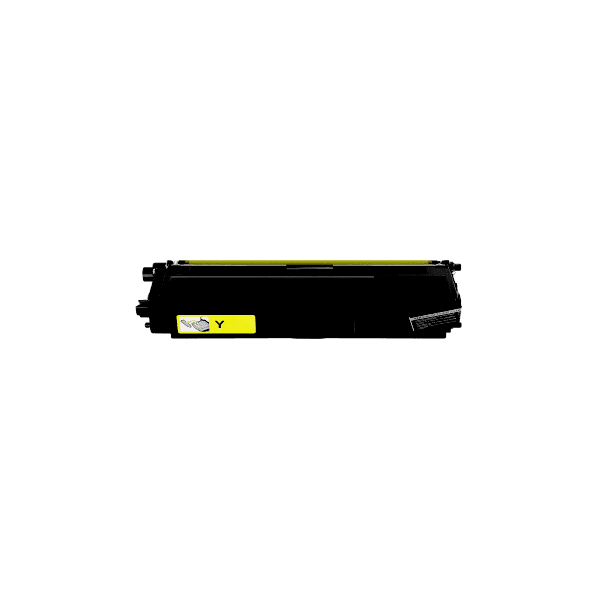
- Listed colour yield: 4,000 pages.
- Premium Compatible replacement.
- TN441 and TN443 references.
- Designed for supported Brother colour laser models.
- Useful for high-volume office printing.
- Confirm colour and printer model before ordering.
Full Compatible Printer List
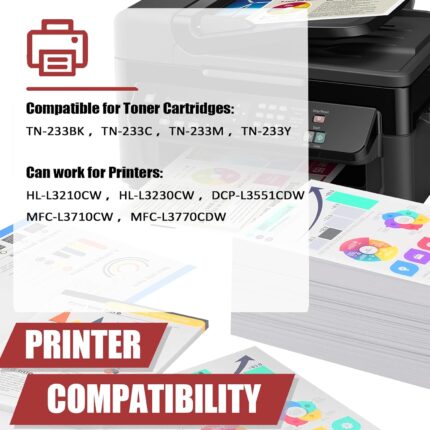
The product record lists Brother HL-L8260CDW and Brother MFC-L8690CDW. Match your exact model before purchasing TN443 or TN441 compatible toner.
Why High-Yield TN443 TN441 Toner?
High-yield toner is useful for offices where printers produce a substantial number of documents. A listed 4,500-page black capacity can support text-heavy workflows, while the listed 4,000-page colour capacity provides a substantial reference for cyan, magenta and yellow printing. Actual page yield varies with coverage, print settings, document type and printer maintenance.
For businesses, consistent consumable identification is important. The TN441 and TN443 references should be checked against the printer and existing cartridge before ordering. Selecting the correct colour also matters because black, cyan, magenta and yellow cartridges occupy separate positions in the printer.
Business Printing Applications
Supported Brother HL-L8260CDW and MFC-L8690CDW printers can be used for reports, invoices, quotations, presentations, forms, correspondence and colour graphics. A compatible high-yield cartridge can be kept as a replacement supply so routine printing does not have to stop when the current cartridge reaches its end.
Installation and Recognition
Confirm the exact printer model, toner reference and colour. Remove the old cartridge according to Brother’s instructions, unpack the replacement and remove transport protection. Insert the cartridge into the correct position without forcing it. If the printer displays a toner error, check seating and the displayed cartridge colour first.
Storage Guidance
Keep spare toner sealed and away from excessive heat, moisture and direct sunlight. Handle cartridges carefully and avoid touching sensitive surfaces. Use the printer’s normal maintenance and calibration procedures where required.
Before Checkout
- Confirm HL-L8260CDW or MFC-L8690CDW.
- Confirm TN441 or TN443 compatibility.
- Confirm the required colour.
- Review the 4,500 black or 4,000 colour yield reference.
- Verify the product option before payment.
Helpful Inkrefill NZ Resources
Visit the shop, home, FAQ, Contact Us, About Us, delivery information, shipping policy, returns policy, billing terms and online bank payment.
FAQ
Which models are listed? HL-L8260CDW and MFC-L8690CDW. What are the yields? 4,500 black and 4,000 colour pages are listed. Which references? TN441 and TN443.






Reviews
There are no reviews yet.